 Find out what's involved


Event app features: must-haves vs. nice-to-haves to maximize engagement and efficiency
In today’s fast-moving events landscape, the features you choose for your event app can make or break attendee engagement and overall success.
This article lays out the essential and optional capabilities event planners should weigh when selecting tools—so you can prioritize what truly moves the needle.
Knowing the difference between must-haves and nice-to-haves is key to running smoother, more engaging events as technology continues to reshape how attendees participate.
We begin with the core features every event app should have, then explore enhancements that elevate the attendee experience.
Next, we examine how technology drives app capabilities and how particular features affect satisfaction.
We provide a neutral feature comparison of two leading platforms—ExpoPlatform and vFairs—along with use cases and case studies that show real results.
Finally, we offer practical implementation strategies and highlight emerging trends shaping the next generation of event apps.
What are the core must-have features in event apps?
Event apps are central to improving engagement and simplifying event operations.
At minimum, apps should provide smooth registration and ticketing, real-time notifications, intuitive scheduling, and solid networking tools.
These essentials deliver a seamless experience for both organizers and attendees.
How do registration and scheduling improve event management?
Efficient registration and check-in cut wait times and reduce friction at the event.
Practical scheduling tools help planners coordinate sessions and speakers and calendar integrations prevent conflicts.
Prioritizing these functions improves operational efficiency and attendee flow.
Why are push notifications critical for attendee engagement?
Push notifications act as timely, direct reminders—keeping attendees updated on schedule changes and key announcements.
Events that use push notifications can see engagement rise by as much as 50%.
Real-time alerts help boost session attendance and overall participant satisfaction.
Which nice-to-have features enhance event apps without being essential?
Beyond the essentials, several optional features can deepen engagement and personalize the experience.
Examples include gamification to spark interaction and AI-driven personalization to tailor content to individual attendees.
How do gamification and AI personalization boost user retention?
Gamification adds friendly competition—leaderboards, challenges, and rewards—that drives interaction and keeps attendees coming back.
AI personalization uses behavioral data to recommend sessions, contacts and content, making each attendee’s experience more relevant and satisfying.
What role do analytics play in optimizing event ROI?
Advanced analytics give organizers a clear view of attendee behavior and preferences after the event.
With metrics like session occupancy and feedback ratings, planners can measure ROI, refine programming and make data-driven decisions for future events.
How does technology shape the capabilities of modern event apps?
Technology advances determine how event apps are built and used.
Mobile-first design and strong integration options are essential to deliver a consistent experience across devices and platforms.
What are key mobile compatibility and integration features for event apps?
Mobile compatibility means the app performs reliably on smartphones—critical since attendees rely on phones throughout the event.
Integrations with social platforms, CRMs and ticketing systems enable real-time sharing and streamline workflows, creating a more cohesive event ecosystem.
How is event app security ensured across platforms?
Protecting attendee data is non-negotiable.
Robust security includes encryption, clear privacy policies and access controls.
Strong security builds trust and encourages broader app adoption among attendees and stakeholders.
How can event app features directly influence attendee engagement and satisfaction?
Feature choices shape how attendees interact with an event and are closely tied to satisfaction scores.
Networking tools and personalized agendas are two proven drivers of positive attendee experiences.
Which features correlate with higher attendee satisfaction scores?
Tools that enable meaningful connections—direct messaging, matchmaking and curated networking—consistently yield higher satisfaction.
Attendees who connect with peers or speakers tend to leave with stronger, more positive impressions.
How do push notifications and networking features increase engagement rates?
Notifications prompt attendees to join sessions and catch updates, while networking features let participants connect before, during and after the event.
Together, these elements encourage participation and sustain engagement throughout the program.
What are practical strategies for implementing and choosing event app features?
Choosing the right features requires matching capabilities to your event goals. Use a structured evaluation process to determine which features deliver the most value for your audience and objectives.
How to assess feature ROI and user needs in event apps?
Gather user input through surveys and beta tests to validate feature value.
Feedback forms, pilot programs and usage tracking reveal which features attendees use and appreciate most.
Which integration capabilities should event planners prioritize?
Prioritize integrations that reduce friction and increase reach: ticketing systems, CRM platforms and social media.
These connections simplify workflows and improve attendee engagement and data flow.
What emerging trends will influence future event app features?
Staying current with technology trends helps planners keep their apps relevant.
Developments in AI and immersive experiences are already reshaping feature priorities.
How will AI and user engagement innovations change feature prioritization?
AI will deliver deeper attendee insights and more precise personalization, helping organizers tailor content and connections.
AI-driven matchmaking and content recommendations will likely move from “nice-to-have” to expected features.
Comparison of ExpoPlatform and vFairs as market leaders
ExpoPlatform and vFairs are both established players in events technology, each offering broad feature sets to boost engagement and streamline event operations.
The table below outlines their core strengths and market positioning.
Feature/AspectExpoPlatformvFairsEvent Types SupportedIn-person, hybrid and virtualIn-person, hybrid and virtualRegistration & TicketingEnd-to-end registration with CRM integrationsFlexible registration with payment gateway supportNetworking CapabilitiesAI matchmaking, extensive meeting formats and structured networking sessionsChat rooms, video networking, and scheduled meetingsCustomizationHighly customizable environments and brandingCustomizable booths and event themesAnalytics and ReportingAdvanced analytics with real-time data dashboardsComprehensive post-event reports and attendee insightsMobile CompatibilityResponsive web platform with mobile appsMobile-optimized, responsive web platformCustomer SupportDedicated onboarding and support teams24/7 support and event consulting services
Both platforms deliver robust, overlapping capabilities while bringing unique advantages depending on event needs and priorities.
Use cases for ExpoPlatform and vFairs
ExpoPlatform and vFairs support a wide range of events—conferences, trade shows, career fairs, product launches and corporate meetings.
Specific event goals and scale often determine which platform is the better fit.
ExpoPlatform use cases
- Large conferences that need sophisticated AI matchmaking and engagement tools.
- Trade shows that require highly customizable environments to reflect brand identity.
vFairs use cases
- Career fairs that demand rich recruiter–candidate interaction features.
- Product launches that benefit from interactive booths and multimedia showcases.
Organizers choose between platforms based on objectives, desired interactivity, scale, and budget.
Case studies demonstrating success of ExpoPlatform and vFairs
ExpoPlatform case study: GITEX Global
ExpoPlatform powered the GITEX Plus mobile app for GITEX Global 2023, driving nearly 60,000 app downloads and 698,000+ lead scans through in-app badge scanning and lead retrieval.
The app enhanced attendee navigation, networking and exhibitor lead generation, demonstrating the impact of a mobile-first event experience at scale.
vFairs case study: Cadence Design Systems
Cadence Design Systems used vFairs’ mobile event app to support 2,100+ registrations, 1,400+ in-person attendees and 1,200+ app logins at CadenceLIVE Silicon Valley 2024.
The app served as a central hub for networking, personalized agendas, event navigation and attendee engagement, helping streamline the event experience while increasing participant interaction.
These examples show how both platforms can deliver measurable success when matched to event goals.
Conclusion
Choosing the right event app features is essential to maximize engagement and ensure a smooth attendee journey.
Understand the difference between must-haves and nice-to-haves, align choices with your event goals and adopt features that scale with your needs.
Explore our full guide on event app functionality to sharpen your strategy and elevate your next event—start applying these insights today to improve outcomes and attendee satisfaction.

There's more you might like
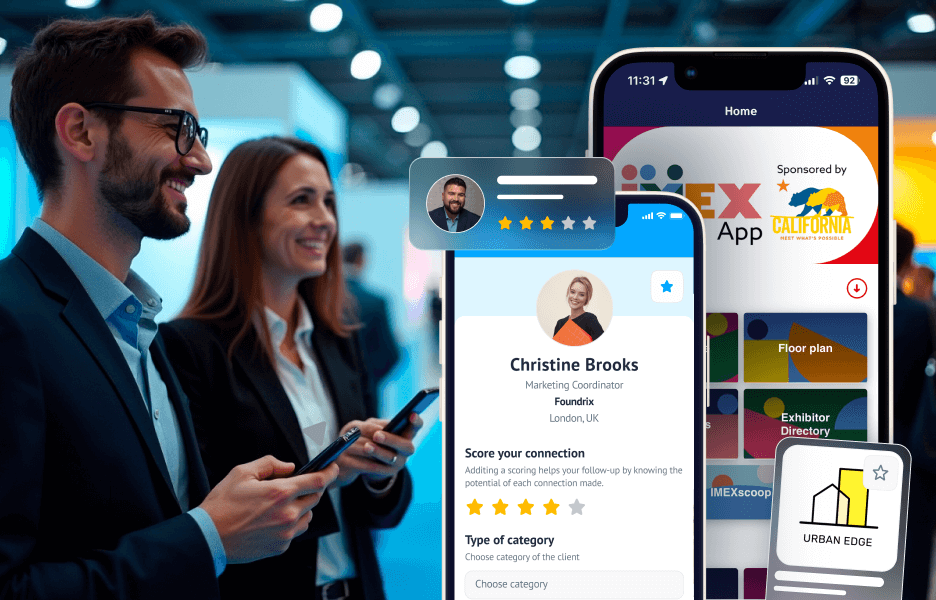
Event organizer mobile app: what are the essential features?
An advanced event organizer mobile app is key to extending your live shows into the digital space. They empower visitors to connect, share content and retrieve leads in real-time. This is the true hybrid experience – in-person connection, enhanced by technology. This guide will explore the main features: Highlight your brand and key messaging on your ...
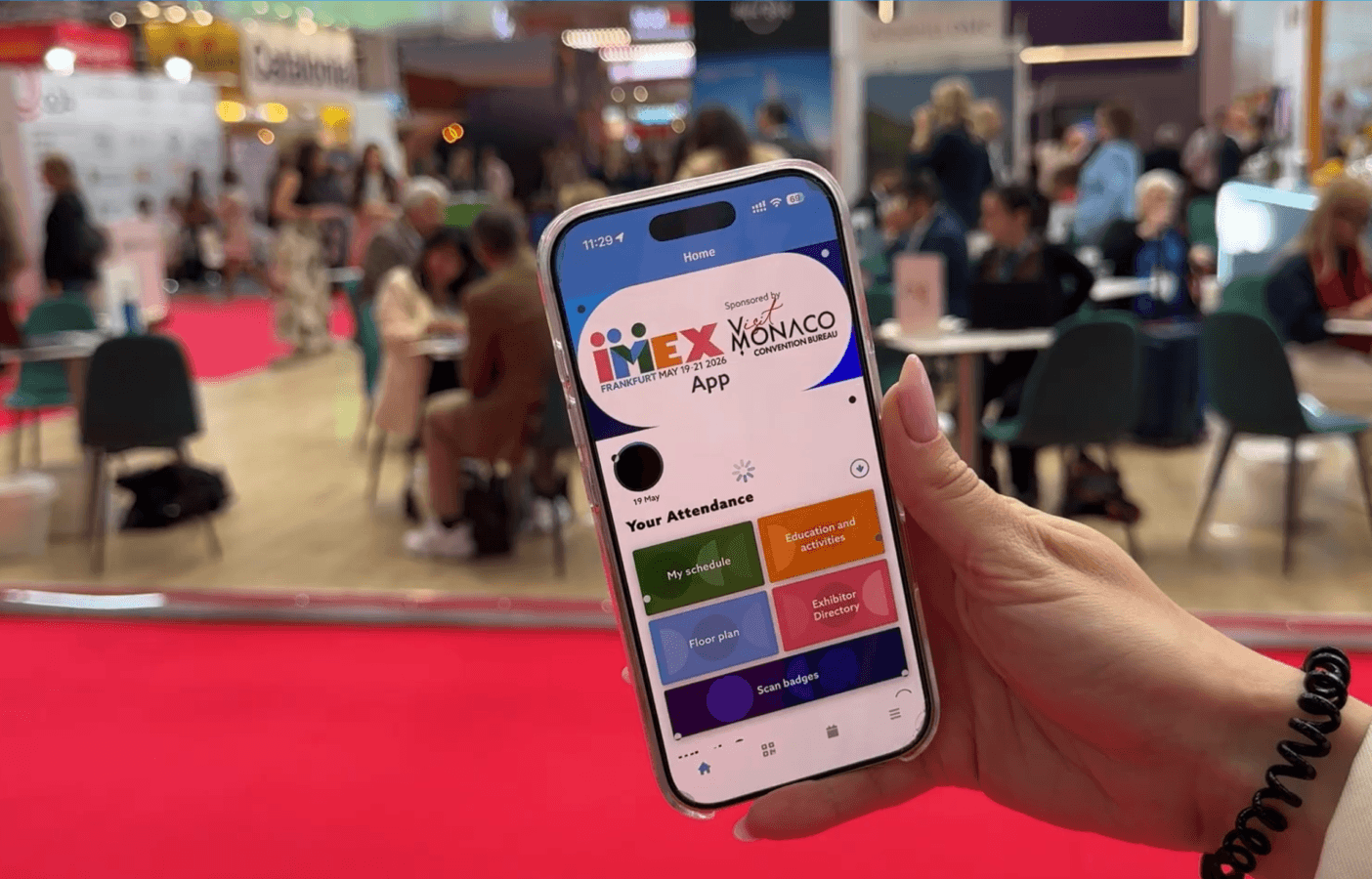
Event app features: what to prioritize
Effective event mobile apps combine native performance, real-time schedule updates, interactive maps and networking tools that replace scattered PDFs and static websites. Strong platforms integrate registration, session tracking and matchmaking in one system. Organizers should prioritize apps built for engagement, not just information display. Key takeaways Event apps transform attendee phones into engagement tools, replacing ...

Why having a great event organizing app matters
An event organizing app provided by platforms like ExpoPlatform handle registration, scheduling and attendee matchmaking automatically – freeing up hours that used to go to manual admin. Whether you’re running a conference or a large corporate gathering, the right software helps you grow engagement, keep costs in check and know your event worked, rather than ...